
AppGrabbit vs Buzz (2026)
the same Whisper on your PC: free and up to you to set up, or ready from a link.
Updated: October 2026 · 6 min read
Buzz is the free app for running Whisper on your PC: you drop in a file (or speak into the microphone), choose engine and model, and out comes the text or an .srt. Code on GitHub, Windows, Mac and Linux, and it charges nothing. AppGrabbit runs the same Whisper on your PC and charges credits (1 per transcript, 5 free a month; Pro USD 8.99 a month or a 7-day pass for USD 3.99) because it does what Buzz doesn't: it starts from a YouTube or TikTok link, leaves the .txt with a prompt for your AI, burns the subtitles into the video in three styles, uses your NVIDIA card without you installing anything, and also downloads, converts and cuts. If you have the file and time to set things up, Buzz comes out free. If you want the result with no steps before it, AppGrabbit.
Feature comparison
| Feature | AppGrabbit | Buzz |
|---|---|---|
| Price | 1 credit per video, 5 free a month; Pro USD 8.99 a month or a 7-day pass for USD 3.99 | Free, no caps |
| Code | Private | Published on GitHub (MIT) |
| Where Whisper runs | On your PC | On your PC (or on OpenAI's API if you set it up) |
| Getting started | Two models already tested; NVIDIA card detected on its own | You choose engine and model; the card means installing PyTorch with CUDA separately |
| From a YouTube or TikTok link | Yes: downloads and transcribes | No: files or microphone |
| Live transcription from the microphone | No | Yes |
| Transcript with a prompt for your AI | Yes: .txt ready for ChatGPT, Claude or Gemini | Plain text |
| Subtitles | .srt, .vtt, .txt and burned into the video in three styles | .srt and .vtt |
| Translating | No | Yes, with Whisper, into English |
| Downloading and converting videos | Yes | No |
| Runs on | Windows 10/11 | Windows, Mac and Linux |
| Watermark | Never | Never |
Sources: GitHub · chidiwilliams/buzz · Flathub · Buzz. Read in October 2026.
Two ways to put Whisper to work
Buzz is honest and direct: one window, one file, a menu of models (Whisper, whisper.cpp, Faster Whisper, the ones from Hugging Face) and then you wait. What it asks of you is judgment: which model, which engine, and if you want to use the graphics card, installing PyTorch with CUDA on your own. Without a card, it transcribes on the processor and takes as long as it takes. AppGrabbit makes those choices for you: two models (Fast and Accurate) which the app downloads, checks and tests, the CUDA engine if it detects NVIDIA and the processor one if not, and voice detection to skip music and silence. Both transcribe on your computer; the audio never leaves.
What Buzz does and AppGrabbit doesn't
Transcribe live from the microphone, translate into English with Whisper, and run on Mac and Linux. And charge nothing.
What AppGrabbit does and Buzz doesn't
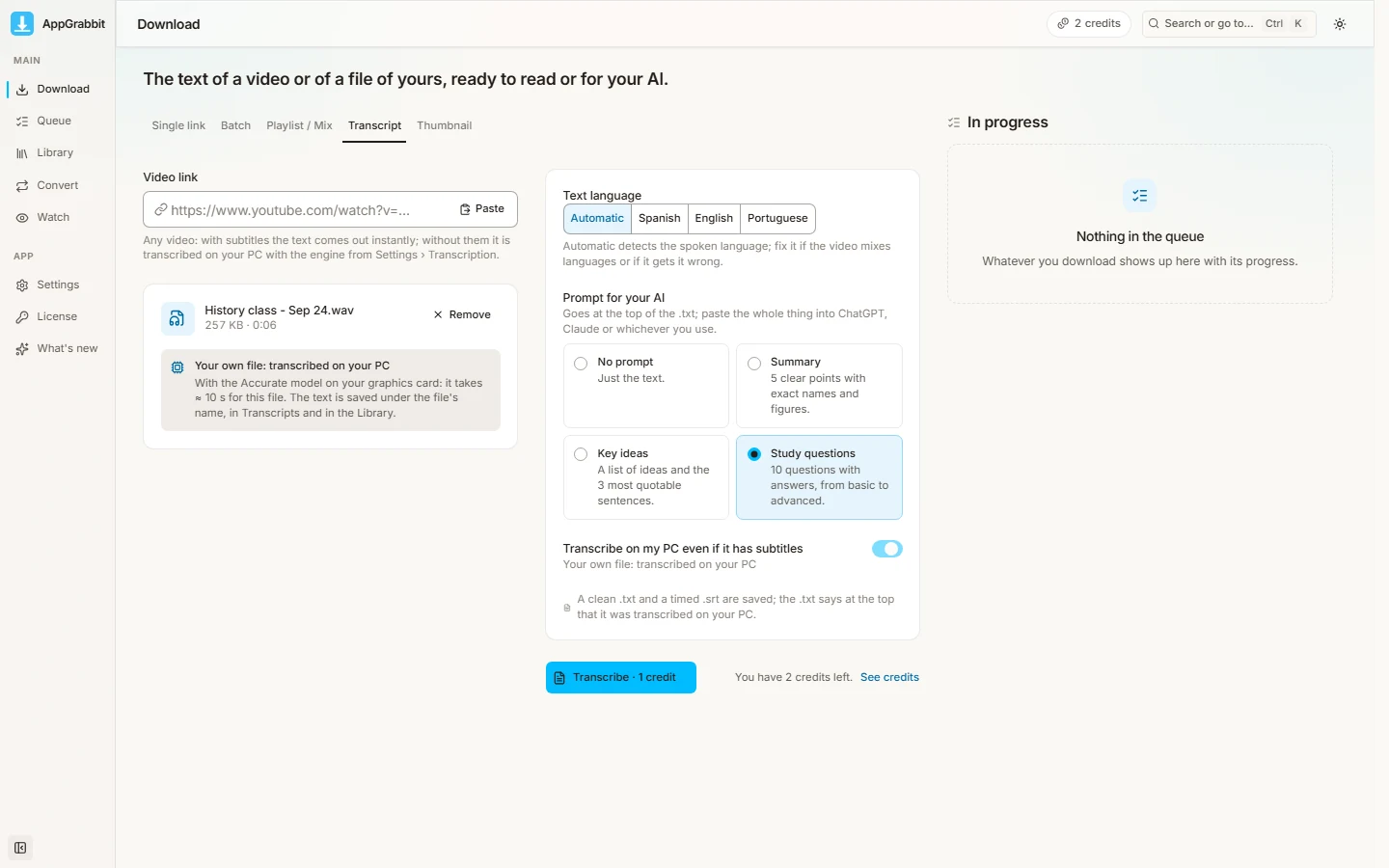
Start from a link (YouTube, TikTok, Instagram and more): the app downloads the video and transcribes or subtitles it, with no downloader in between. Deliver the .txt with a prompt on top, ready to paste into ChatGPT, Claude or Gemini. Burn the subtitles into the video in three styles for social media. And download, convert to ProRes or DNxHR and cut, in the same app.
Price
Buzz is free with no cap on Windows and Linux (the Mac App Store version is paid separately). AppGrabbit Free comes with 5 credits a month (1 credit is one video, one batch of up to 10 links, one transcript or one converted file) and 1 extra every 48 hours when you hit 0; Pro USD 8.99 a month, monthly only; a 7-day pass for USD 3.99. There is never a watermark.
When to use Buzz
When you already have the file and want to choose the exact model. When you need to dictate into the microphone or translate. When you use Mac or Linux. When you don't want to pay and don't mind setting things up.
When AppGrabbit is the better choice
When you start from a link; when you want the text ready for your AI; when you want the video with the subtitles on it; when you have an NVIDIA card and don't want to install anything to use it; and when you also download or convert.
File in hand and willing to set things up: Buzz, free. A link, a result and nothing to configure: AppGrabbit, 1 credit with 5 free a month, Pro USD 8.99 a month or a 7-day pass, with no watermark.
Frequently asked questions
Yes: it's a free program with its code on GitHub (MIT license) for Windows, Mac and Linux. On Windows the installer is not code-signed (like ours) and it needs a processor with AVX2. On the Mac App Store there's a separate paid version.
Yes, with Whisper, whisper.cpp, Faster Whisper or Hugging Face models you choose yourself. It can also send the audio to OpenAI's API if you set that up (that's the cloud, and it's paid separately).
AppGrabbit: it ships two models already tested and uses your NVIDIA card on its own if you have one. In Buzz, graphics-card acceleration means installing PyTorch with CUDA separately, and choosing model and engine is up to you.
No: it works with files you already have or with the microphone. AppGrabbit takes the link, downloads the video and transcribes or subtitles it.
No: it exports .txt, .srt and .vtt. AppGrabbit also burns them into the video, in three styles, with Pro or the 7-day pass.
1 credit per transcript or per subtitled video, with 5 free a month and 1 more every 48 hours when you hit 0. Pro at USD 8.99 a month removes credits; the 7-day pass costs USD 3.99. Never a watermark.
Related guides
Whisper on your PC, with no engines to choose
Windows 10/11 · from a link or a file · 1 credit, 5 free a month